Course Content

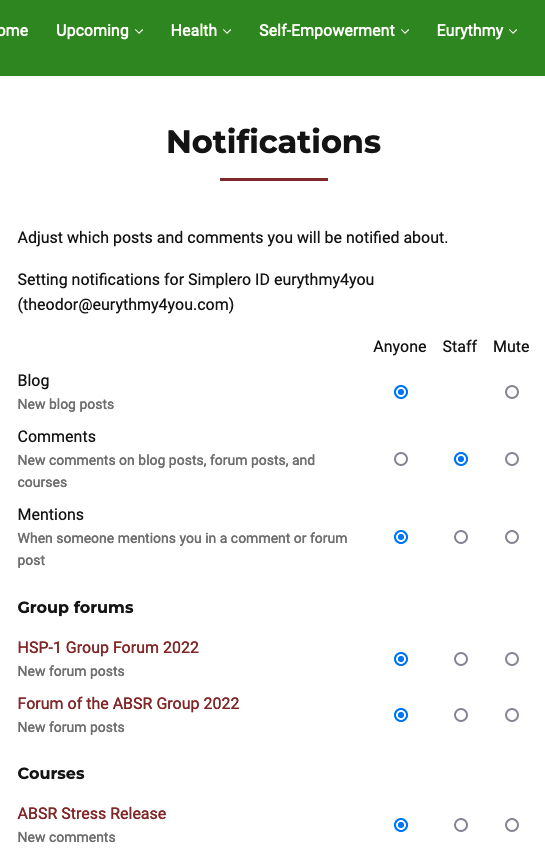
How to toggle notifications on and off
At Eurythmy4you you can decide for yourself which notifications you would like to receive.
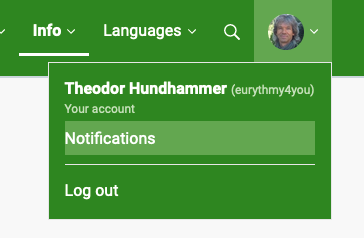
Go to Notifications in your profile. There you can see which community features are activated and set your preferences. Please note: you must set your preferences separately for each site.
- English pages (English blog)
- ECC Community Circle (only if you are a member there)
- Specific sites of courses you have participated in.
- From the newsletter, you can unsubscribe using the link provided in each email.
You can also change the settings directly in the respective blog, course or forum.
- Open a message you have received from there and change the settings directly on the page of the blog, forum or course.